Parent portal

Built for how you actually parent

You don't need another app to study — you need to know, in two minutes, whether this week went well. That's what the guardian view is for.

Sign in to see your child's week

The week, at a glance

One dashboard answers the three questions that matter: is the work done, is anything overdue, and what's coming next.

  • Child progress summary per course — what's complete, what's in motion
  • Missing-work alerts — you hear about slipped work while it can still be fixed
  • Upcoming deadlines for the week ahead, in one list
  • Teacher announcements — class notices land in your view too, not just the student's
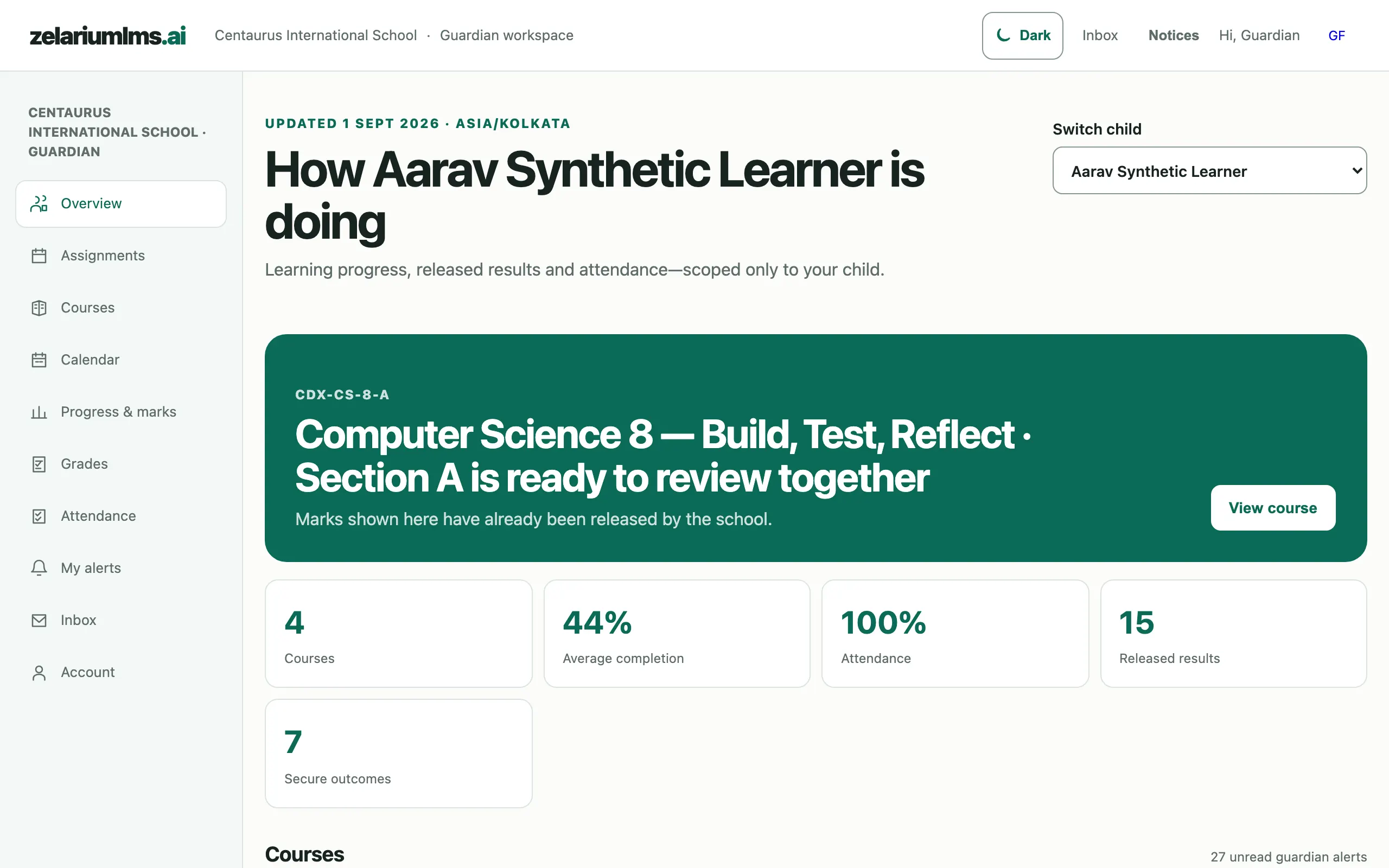
Guardian dashboard summarising a child's courses, completion, attendance and released results
Guardian overview — progress, released results and attendance, scoped only to your child. Captured from the live demo school.

Grades when they're released — and what they mean

You see marks the moment the teacher releases them, alongside a mastery view that shows which concepts are secure and which need attention — not just a percentage.

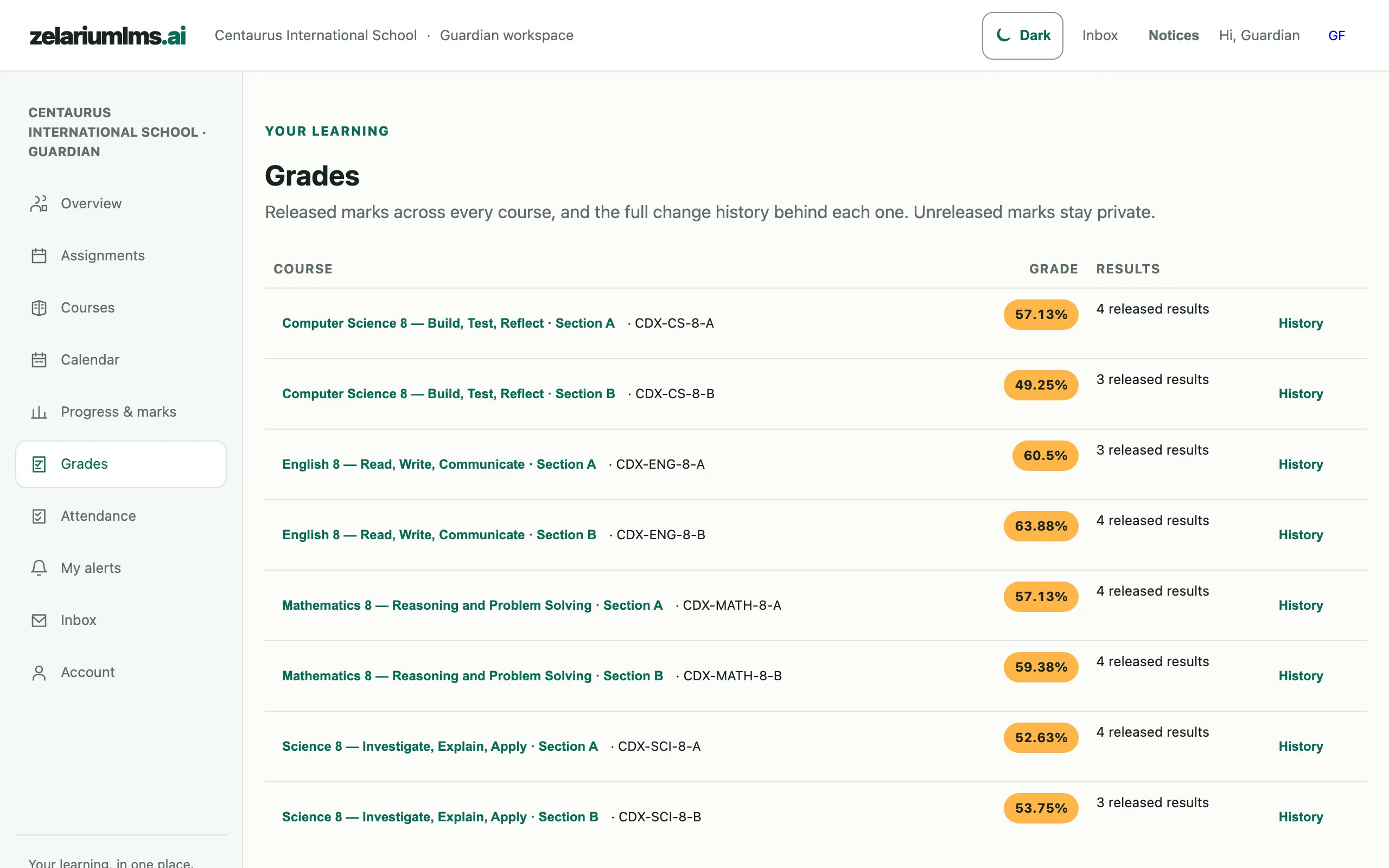
  • Released grades per course — the same numbers your child sees, at the same moment
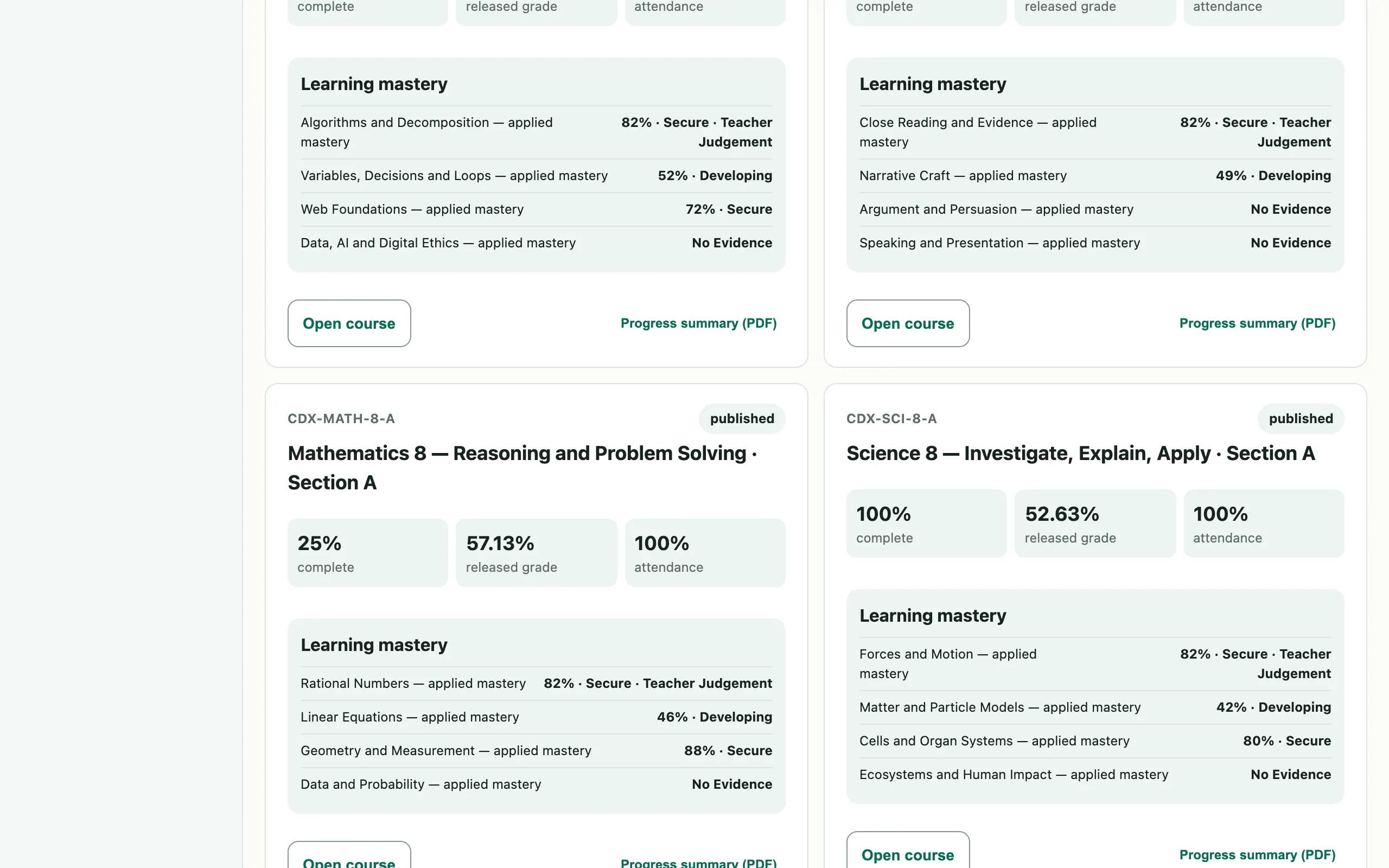
  • Mastery view — concept-level progress, so a good average can't hide a gap
  • Deadline and late status in context, so a low mark comes with its story
  • Certificates you can verify — when your child earns one, anyone can confirm it's real
Guardian grades listing released course marks with history links
Guardian grades — released marks for every course, with the full change history behind each one. Captured from the live demo school.

A summary you can hold

Download a clean progress digest as a PDF — for the family WhatsApp, the grandparents, or the parent-teacher meeting.

  • Parent digest PDF — progress, streaks and goals in a printable one-pager
  • Optional password lock on the PDF, so the summary stays in the family
  • Motivation you can trust — the streaks and badges in the digest come from real learning evidence, never login counts
Guardian course cards showing learning-mastery rows and progress-summary PDF buttons
Per-course progress summaries — learning mastery with a “Progress summary (PDF)” download per course. Captured from the live demo school.

Two minutes, every evening

Sign in with the guardian account your school provides — your child's week is already waiting.

Sign in