Teacher portal

Built for how you actually teach

Author once, differentiate for every learner, grade with an audit trail under every mark — and start each morning knowing exactly which student needs you today.

Sign in to your classes

Author once, teach all year

Build the course the way you'd teach it — lessons, videos, quizzes, assignments — and schedule when each piece appears, so the term runs itself.

  • 9 activity kinds in one authoring surface — video, reading, quiz, assignment and more
  • Question banks with randomization — write once, draw fresh papers per attempt
  • Rubric builder reused across assignments, with outcomes attached
  • Release dates and access rules — content appears on your schedule, not by hand
  • Class announcements composed once, landing on every student's course home
  • Per-lesson duration estimates so workload is visible before you assign it
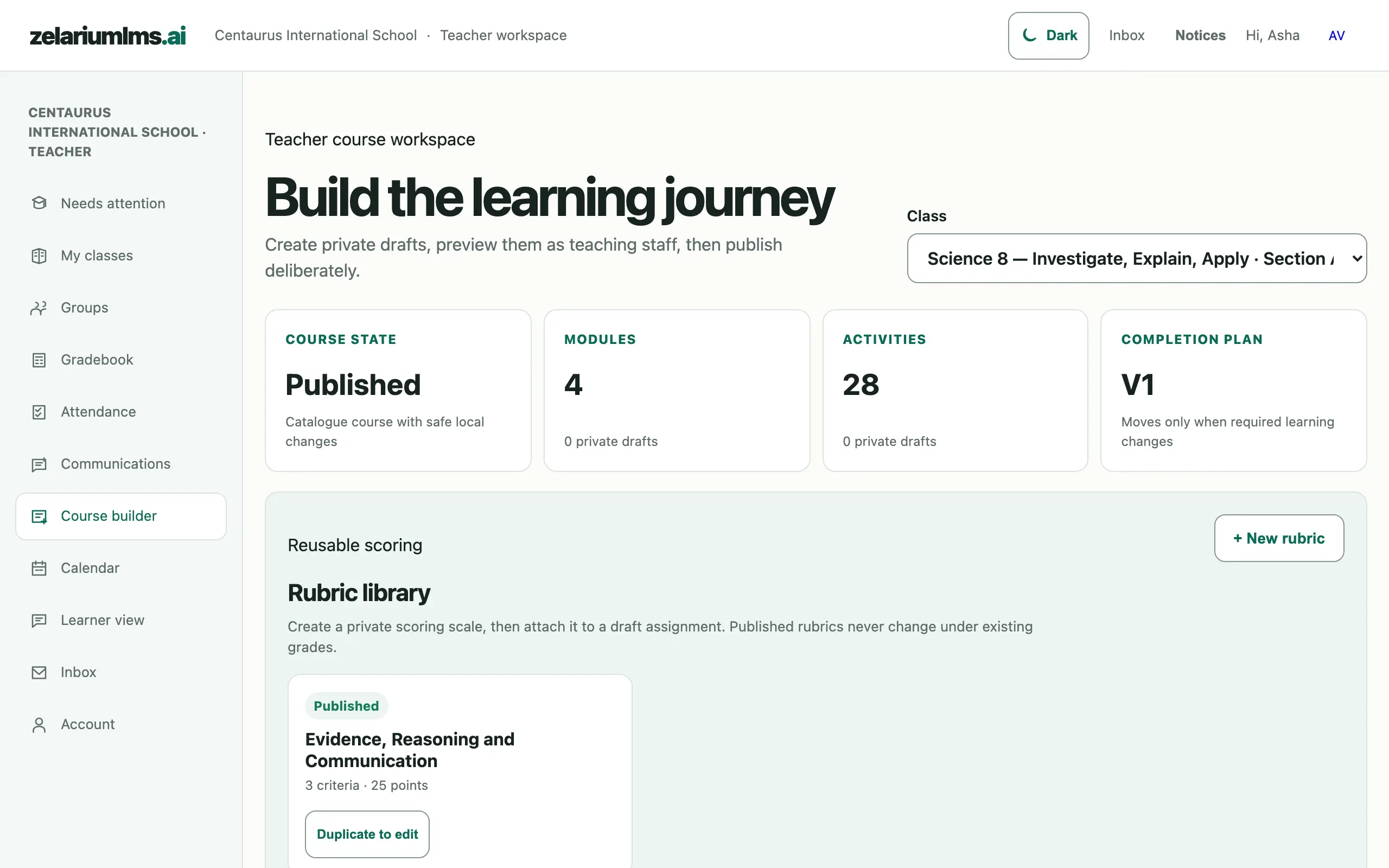
Teacher course workspace showing published course state, module and activity counts and the reusable rubric library
Course builder — publish state, modules and activities at a glance, with a reusable rubric library. Captured from the live demo school.

Differentiate without spreadsheets

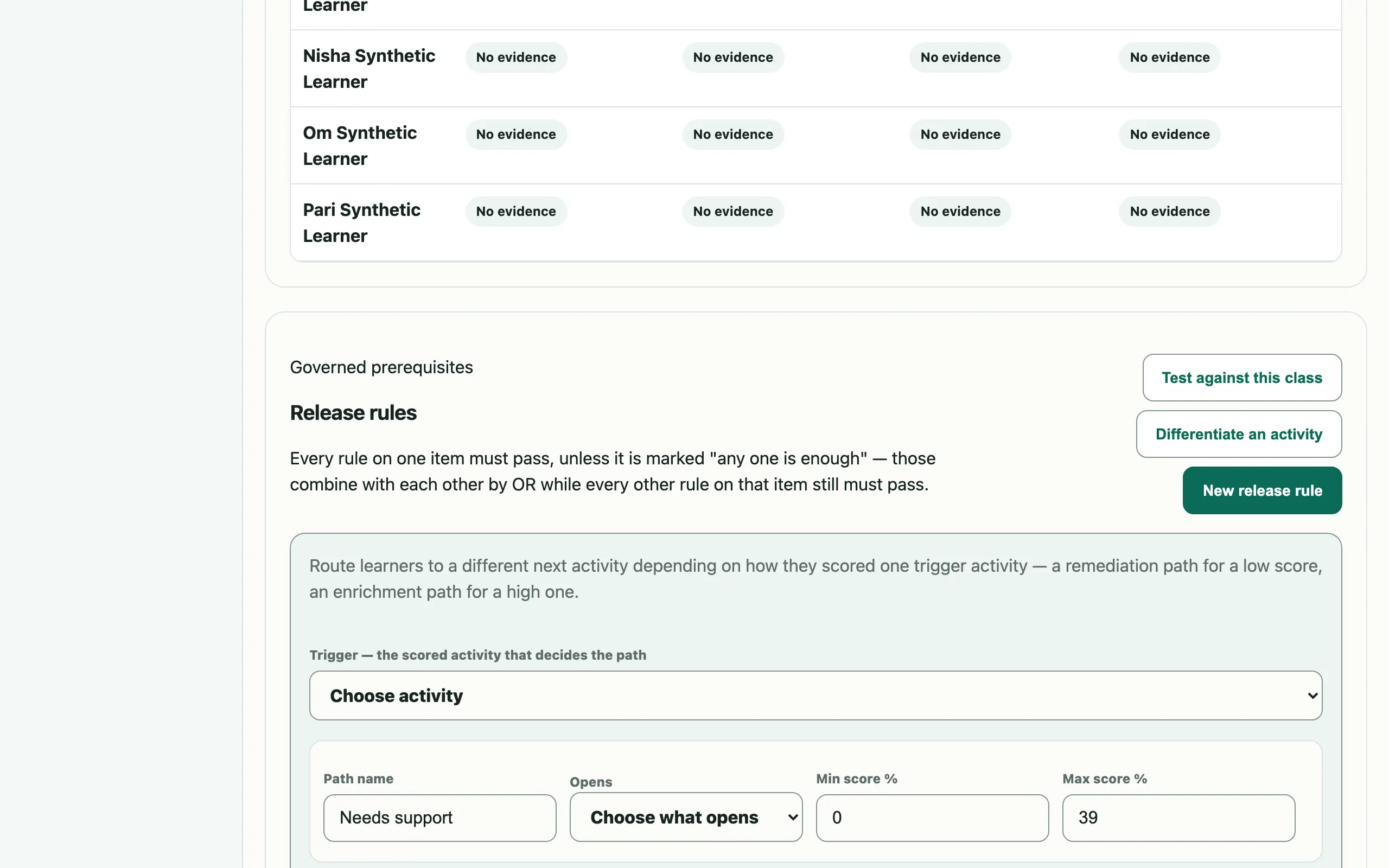
Pick a trigger quiz, set the score bands, choose the destinations — Zelarium routes each learner to remediation, core or enrichment automatically, and always tells them why something is locked.

  • Differentiated assignments: one trigger, up to three score-banded paths — validated so bands never overlap
  • Release rules on score, completion, mastery, date, group, attempts, level or badge
  • Per-student and per-group date overrides — accommodations without side lists
  • Groups and cohorts for group-scoped content and discussions
  • Every gate explains itself — students see a human-readable reason, not a mystery lock
Release rules panel with the differentiate-an-activity composer showing a needs-support score band
Release rules — the “Differentiate an activity” composer routes learners by score band. Captured from the live demo school.

Grading that holds up

A grading queue that clears fast, and a ledger under every mark — so when a parent asks "why did this change?", the answer is one click away.

  • Grader queue per assignment, with rubric scoring and feedback threads
  • Resubmission workflows with due-date and late status handled for you
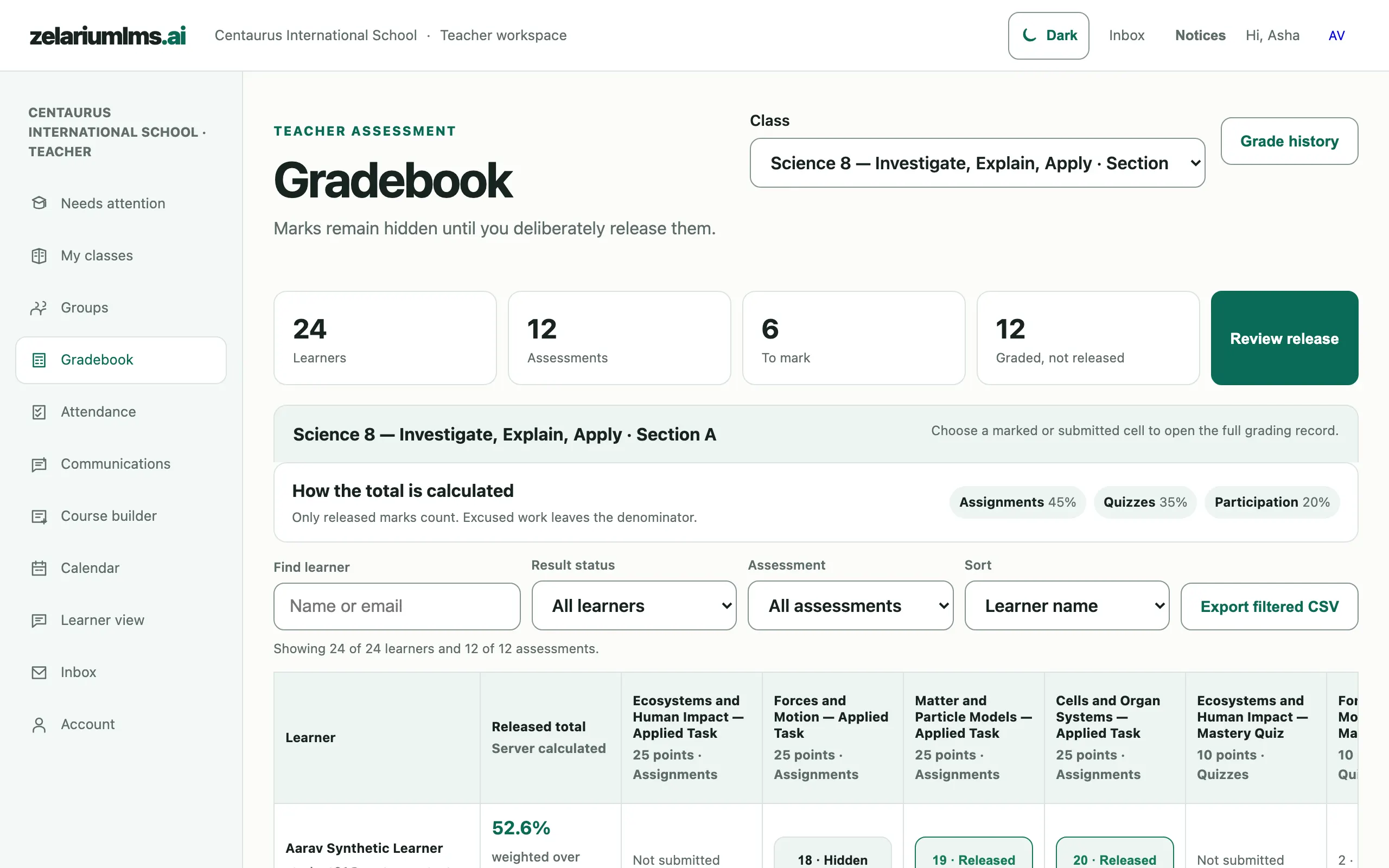
  • Grade visibility controls — students see marks when you release them
  • Append-only grade history — who changed what, from what, to what, why, when
  • Manual-grading flags — essay items inside auto-graded quizzes surface themselves
  • Completion overrides and deadline extensions recorded as governed actions
Gradebook grid with released and hidden marks, weighted totals and a review-release button
Gradebook — marks stay hidden until deliberately released; every change lands in the grade history. Captured from the live demo school.

Know who needs you today

Class Insights reads the evidence and hands you a short list — each name with its reasons, and the actions to take right there.

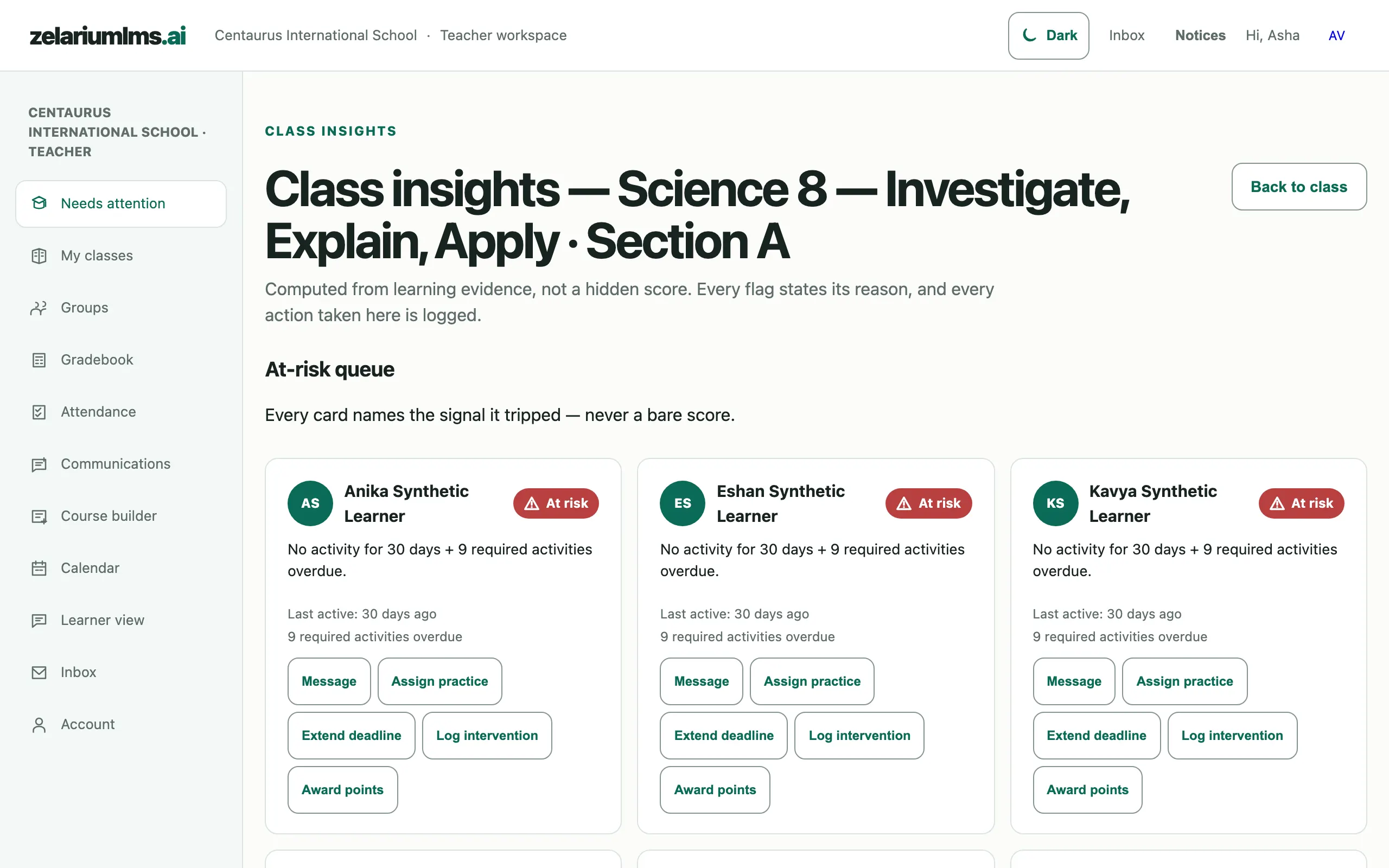
  • At-risk queue with a structured "why" — explainable rules, never a black-box score
  • One-click actions: message the learner, assign practice, extend a deadline — each logged with its outcome
  • Quiz psychometrics: which questions were too hard, which distractors fooled everyone — honest blanks under low samples
  • Completion grids and score distributions — the whole class, one screen
  • Mastery heatmap — outcomes × students, so reteach decisions take seconds
  • Quick awards — recognise effort on the spot, with your note attached
Class insights at-risk queue showing three learners with stated reasons and intervention action buttons
Class Insights — an at-risk queue where every flag names its reason, with intervention actions. Captured from the live demo school.

Your classes are waiting

Sign in with your school account — your courses, queues and insights are already there.

Sign in